
VLC · Windows PC
Watch StreamNovo with VLC on Windows
3 stepsAbout 5 minutes38-second video
Step by step
-

Step 1 of 3
Install VLC
Download VLC from its official website, videolan.org, and install it. It’s free.
-

Step 2 of 3
Open your StreamNovo link
In VLC, choose Media › Open Network Stream, paste your M3U link from your StreamNovo email and click Play.
-
Step 3 of 3
Pick a channel
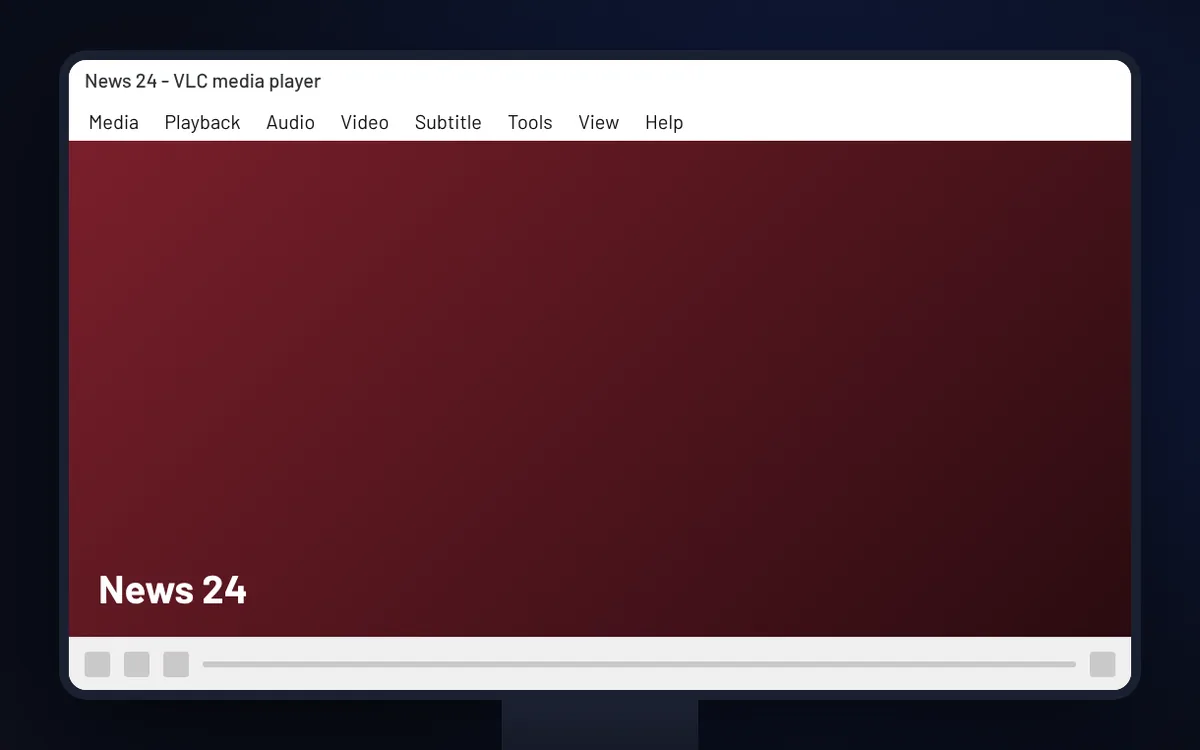
Open View › Playlist to see all your channels. Save them with Media › Save Playlist to File to reopen them in one click.
Good to know
- VLC uses your M3U link only. It doesn’t support Xtream Codes logins.
- VLC has no TV guide. For a guide with programme times, use IPTV Smarters or TiviMate on a TV device.