IPTV Smarters · iPhone and iPad
Set up Smarters Player on iPhone and iPad
3 stepsAbout 5 minutes38-second video
Step by step
-
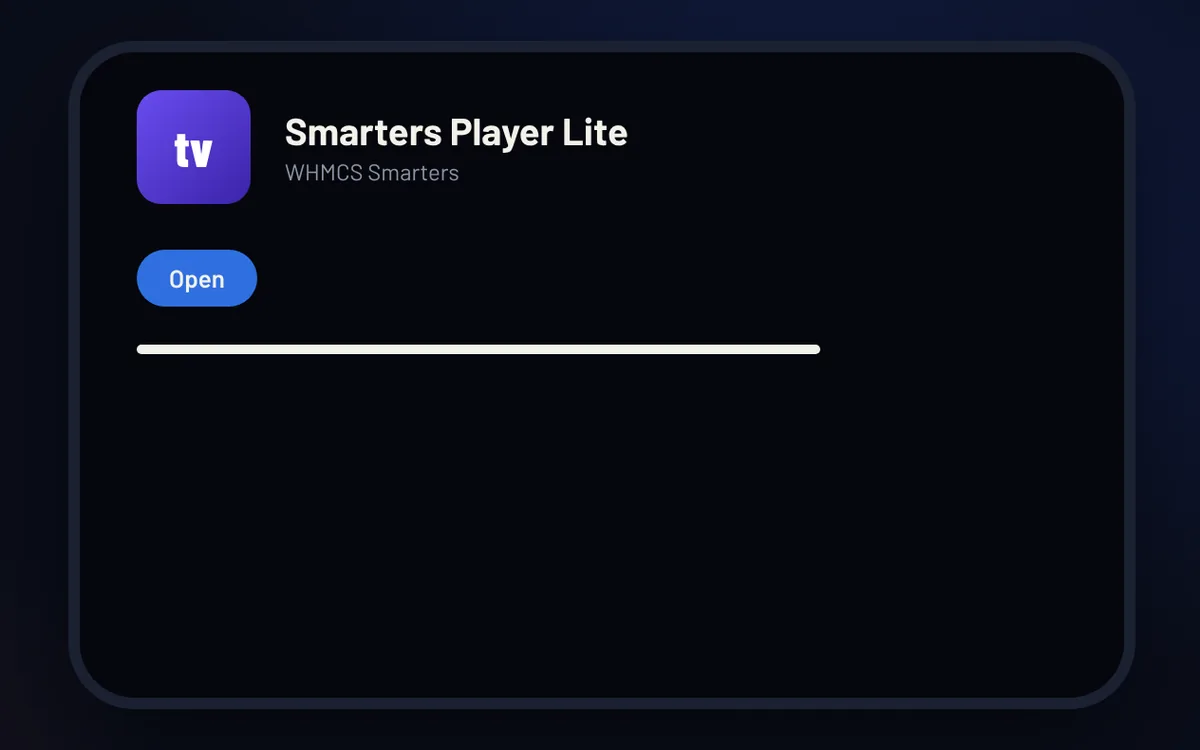
Step 1 of 3
Install the app
Open the App Store, search for Smarters Player Lite and tap Get. Then Open it.
-
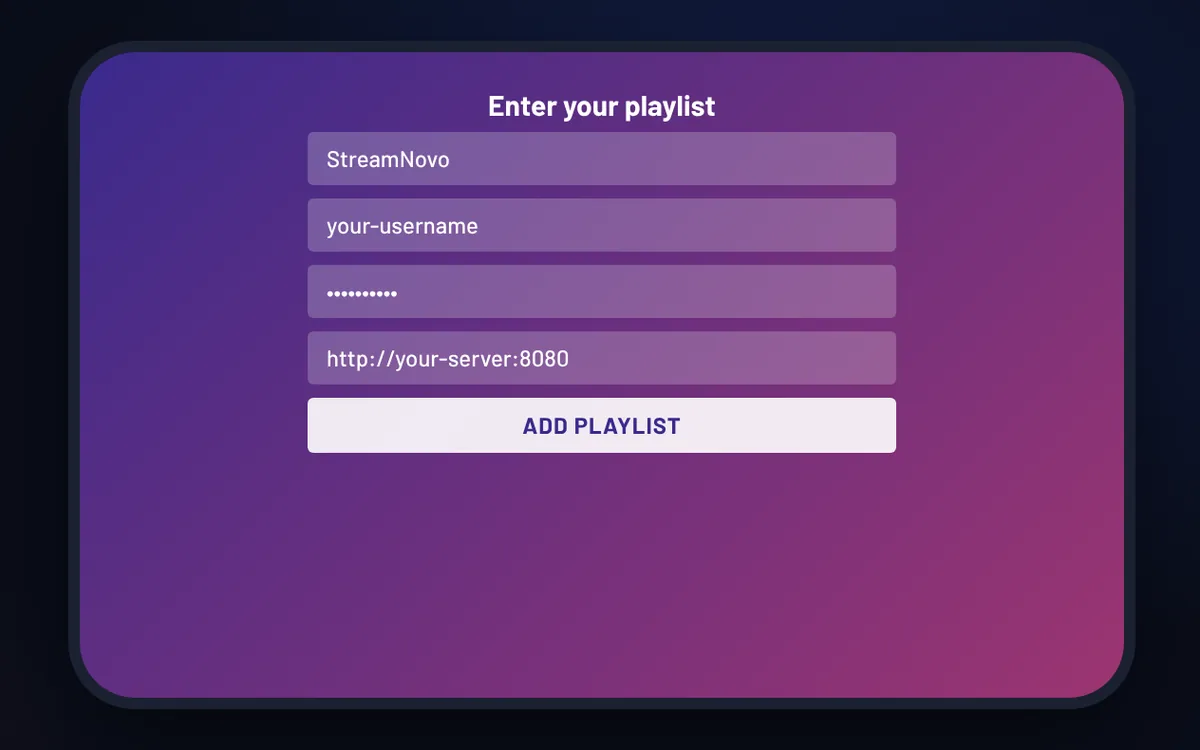
Step 2 of 3
Add your StreamNovo login
Choose Xtream Code, then enter a name, the username, password and server URL from your StreamNovo email.
-
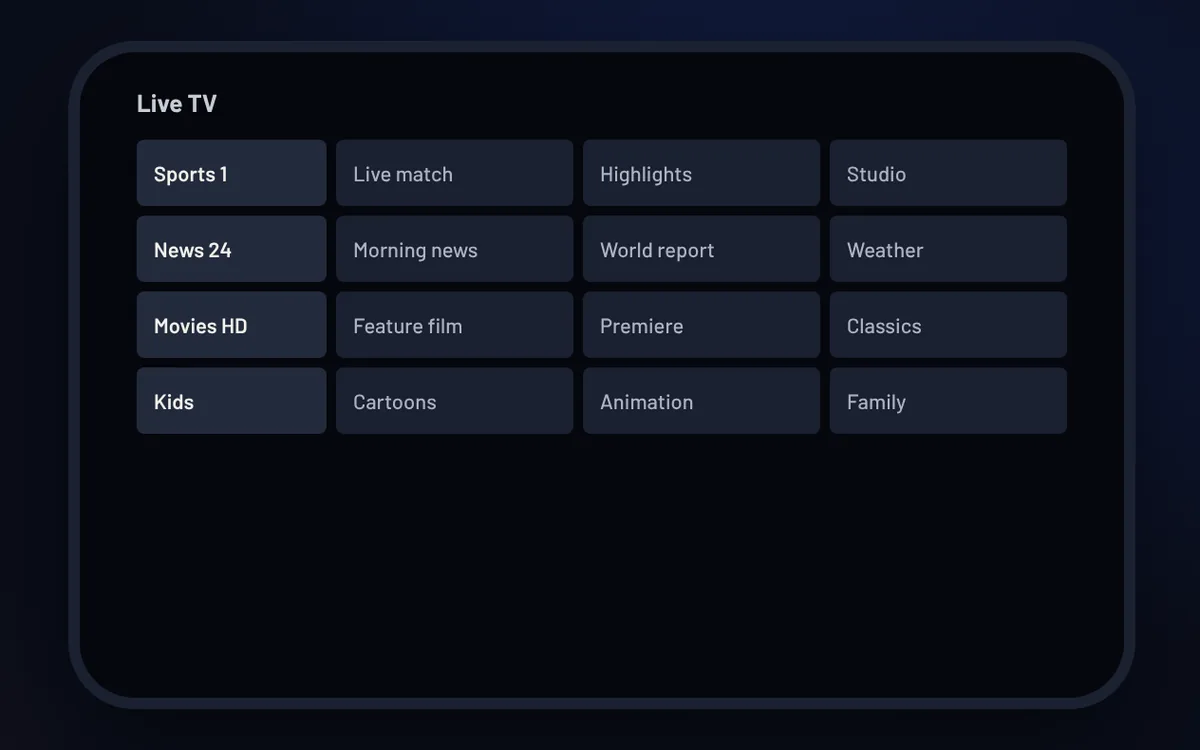
Step 3 of 3
Start watching
Open Live TV. Movies and Series are there too.
Good to know
- On the App Store, the app is called “Smarters Player Lite”, by WHMCS Smarters.
- IPTV Smarters is a player: it doesn’t include any channels. Your channels come from your StreamNovo subscription.