
IBO Player Pro · LG Smart TV
Set up IBO Player Pro on LG Smart TV
4 stepsAbout 10 minutes49-second video
Step by step
-
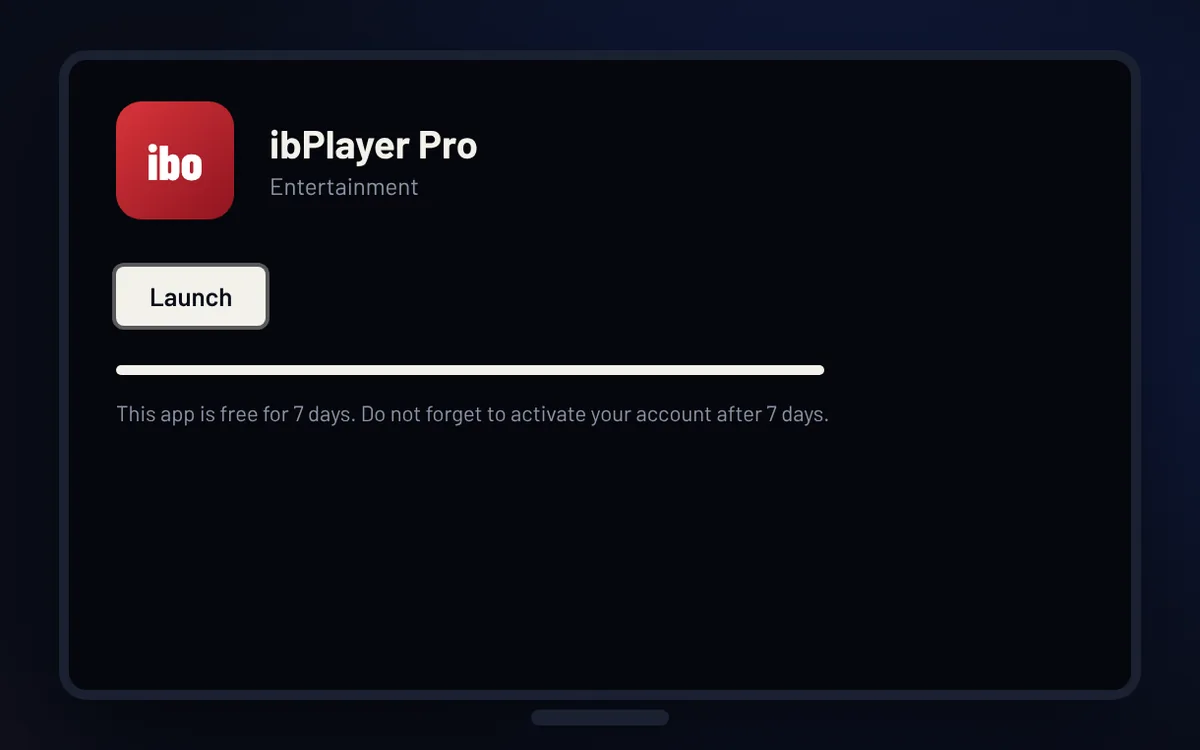
Step 1 of 4
Install the app
Open the Apps store on your LG TV, search for IBO Player Pro and install ibPlayer Pro. Then open it.
-
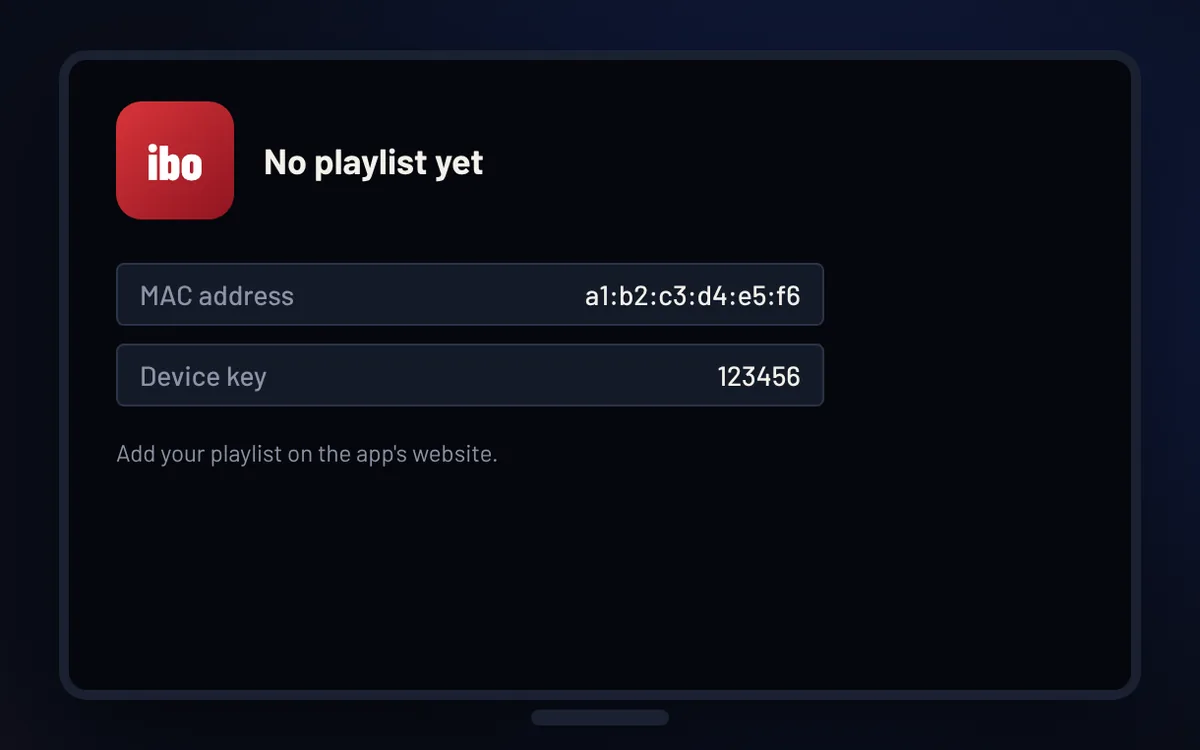
Step 2 of 4
Note your codes
Open the app. The app shows a MAC address and a device key. Take a photo of the screen.
-
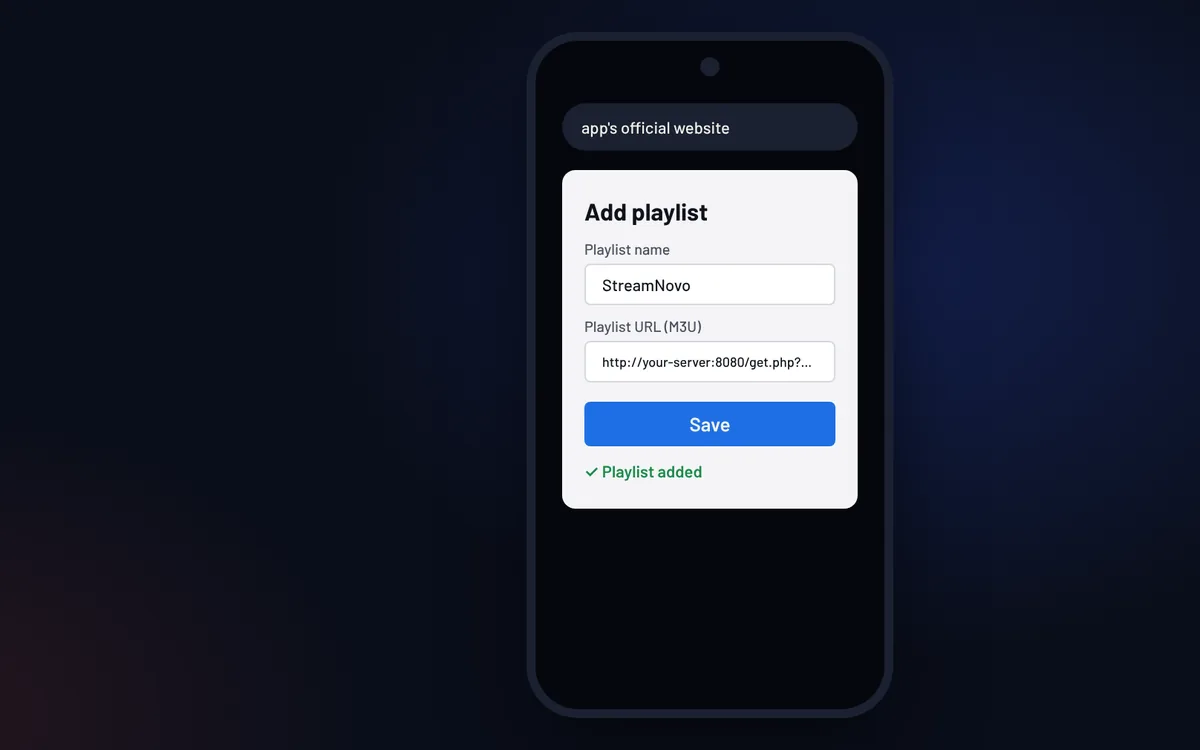
Step 3 of 4
Add your playlist
On your phone or computer, open the app’s official website, sign in with the MAC address and device key, then add your StreamNovo M3U link from your email.
-
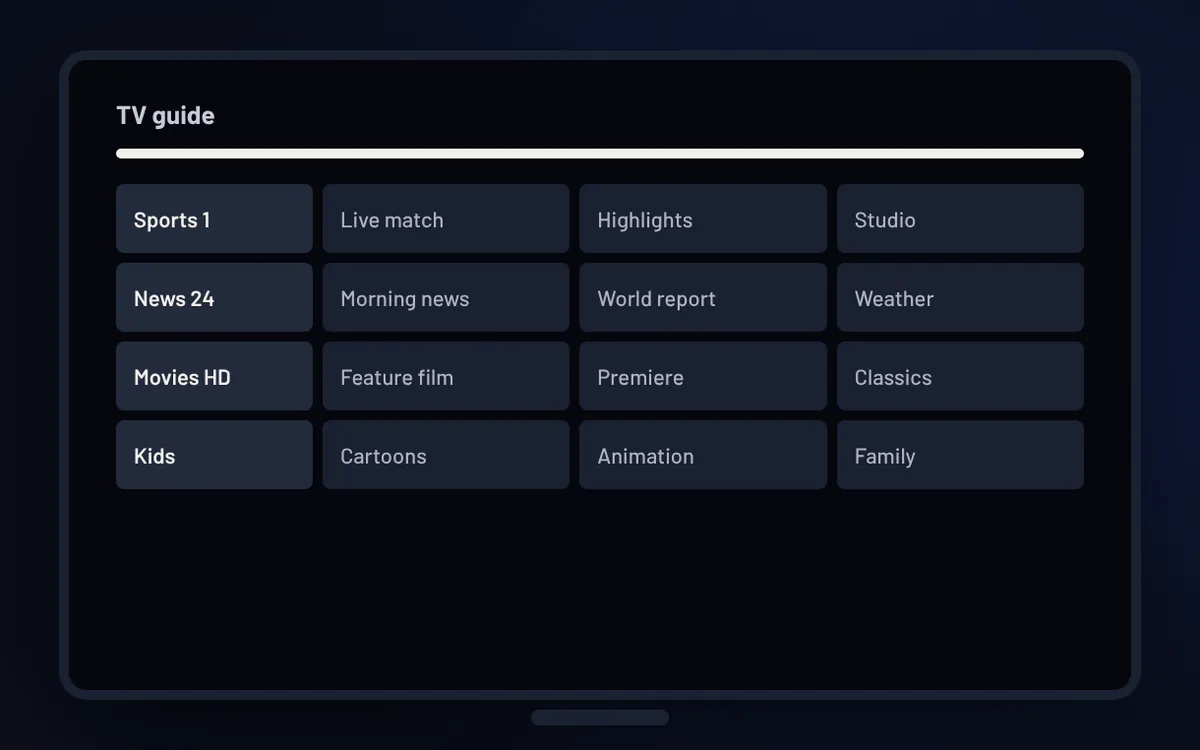
Step 4 of 4
Start watching
Restart the app on your TV and select StreamNovo. The app is free for 7 days, then it asks for a one-time activation.
Good to know
- In the LG store, the app is listed as “ibPlayer Pro”.
- IBO Player Pro is free for 7 days. After that, the app asks for a one-time activation, paid to the app developer, not to StreamNovo.
- The MAC address and device key in the video are examples. Use the ones shown on your own screen.

